





Applying AI in operations is no longer just a trend – it is a key strategy to boost efficiency, reduce costs, and enhance customer experience. But where to start, and how to implement it?
Don’t worry, OneXBots has compiled the 10 most practical steps, tailored specifically for Vietnamese businesses that want to build an effective and easy-to-deploy AI workforce.
1. Clearly Define the Goals of Using AI
Before getting started, answer the core question: “What does your business need AI to do?”
Is it to:
- Provide faster customer support?
- Automate internal reporting?
- Write SEO-friendly marketing content?
- Manage orders and receivables?
Defining clear goals from the beginning will help accurately shape the role of AI in your business, avoiding wasted resources and time.
2. Strategically Choose the First AI Role
Avoid deploying AI everywhere at once. Start with 1–2 roles that have high demand and are easy to manage:
- AI Customer Support: Answer messages and respond to inquiries quickly
- AI Admin: Guide internal processes, send forms, set reminders
- AI Marketing: Support content writing, suggest content ideas
Prioritize roles with repetitive workloads, measurable effectiveness, and customer-related impact.
3. Collect and Standardize Training Materials
This is a critical step that is often overlooked. AI needs to “learn” from your business documents to know how to work.
Prepare:
- Detailed operational processes
- Frequently asked questions and sample answers
- Product documents and user guides
- Sample emails, articles, and customer care messages
The more complete and clear the materials, the better your AI employees will “understand the job” and perform effectively.
4. Define the Tone and Communication Style of AI
How should an AI employee communicate? Friendly, professional, serious, or humorous?
This depends on:
- Company culture
- Target customer groups
- Industry specifics (finance differs from education, retail differs from healthcare, etc.)
Examples:
- For older customers: Polite, easy-to-understand tone
- For younger customers: Casual language, possibly using emojis or light GIFs
5. Design Context-Based Scenarios
Don’t let AI only respond with “I don’t understand the question.” Enable it to handle situations flexibly with contextual scenarios:
- When customers use the wrong format → AI suggests the correct way to ask
- When customers need consultation → AI asks for more details to personalize responses
- When facing complex situations → AI transfers the case to a human agent
Scenarios are the “backbone” that help AI communicate intelligently and stay aligned with your brand direction.
6. Train AI Employees on the OneXBots Platform
OneXBots provides an intuitive training tool:
- Create separate AI roles
- Upload documents, define sample questions and answers
- Set up short-term and long-term memory
- Customize tone and responses by department
(Image description: OneXBots platform interface for creating and training AI employees)
7. Internal Testing for 5–7 Days
Before launching AI in a real environment, run internal tests:
- Let real employees interact and give feedback
- Evaluate accuracy, tone, and response speed
- Adjust small issues: wording, logic, tone, data
8. Integrate AI into Official Operating Channels
Once AI is ready, deploy it on the “front lines”:
- Company website
- Fanpage, Zalo OA, customer care emails
- Internal platforms like Slack, Google Chat, ect.
AI must be present where customers and employees most need support.
9. Train the Team to Use AI Effectively
- Guide employees on how to collaborate with AI
- Set clear expectations: AI supports, not replaces
- Encourage continuous feedback for improvement
A team that understands AI will ensure smooth operations and maximize its potential.
10. Monitor Performance, Update, and Expand
AI is not a “set-and-forget” product. Make sure to:
- Track reports: number of people supported, accuracy rate, satisfaction levels, etc..
- Update documents and new scenarios
- Expand to additional roles (AI Sales, AI Recruitment, etc..)
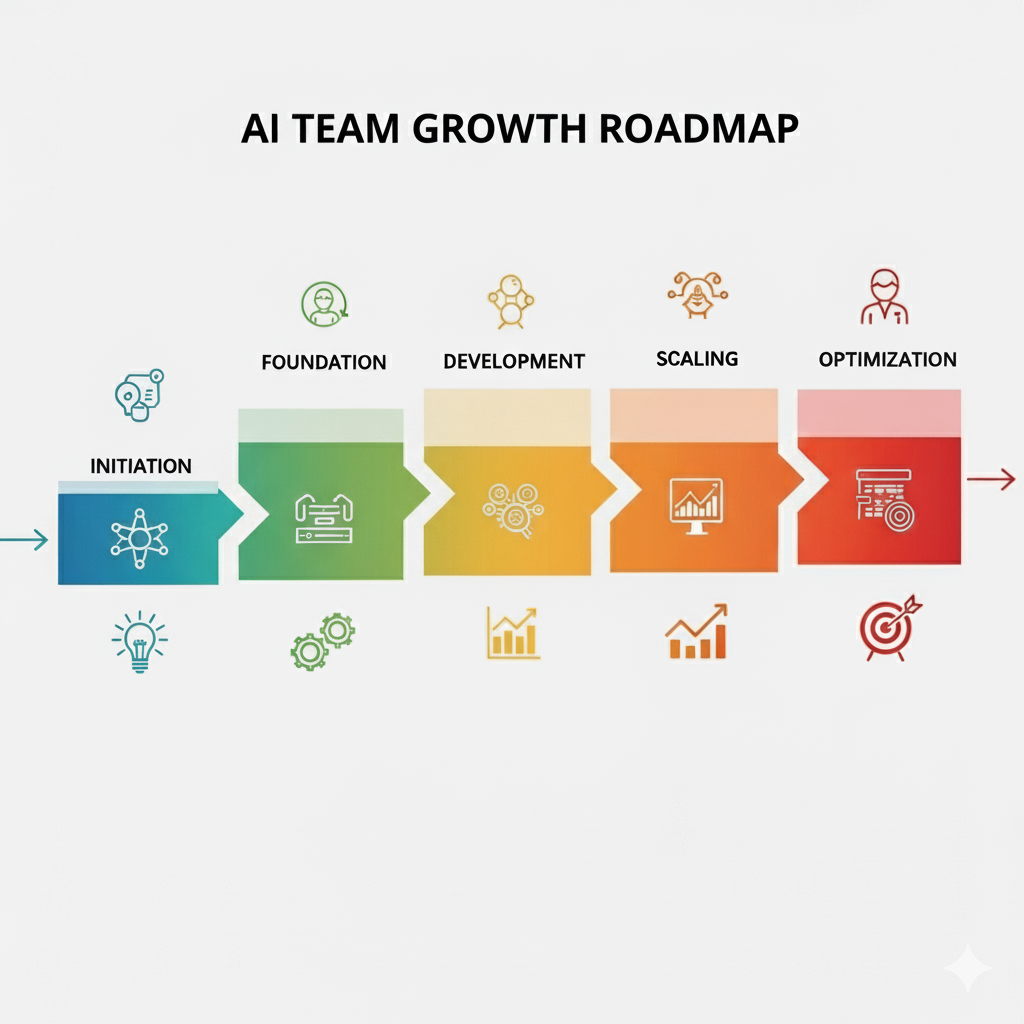
Summary:
Building your AI workforce isn’t difficult – as long as you have a structured, clear roadmap and the right guidance along the way.
This 10-step checklist is the roadmap to help your business move faster and more confidently on the journey of digital transformation with AI.
Let OneXBots be your trusted partner – from the very first step until you have a powerful, proactive, and efficient AI workforce.
Sign up for a trial today!